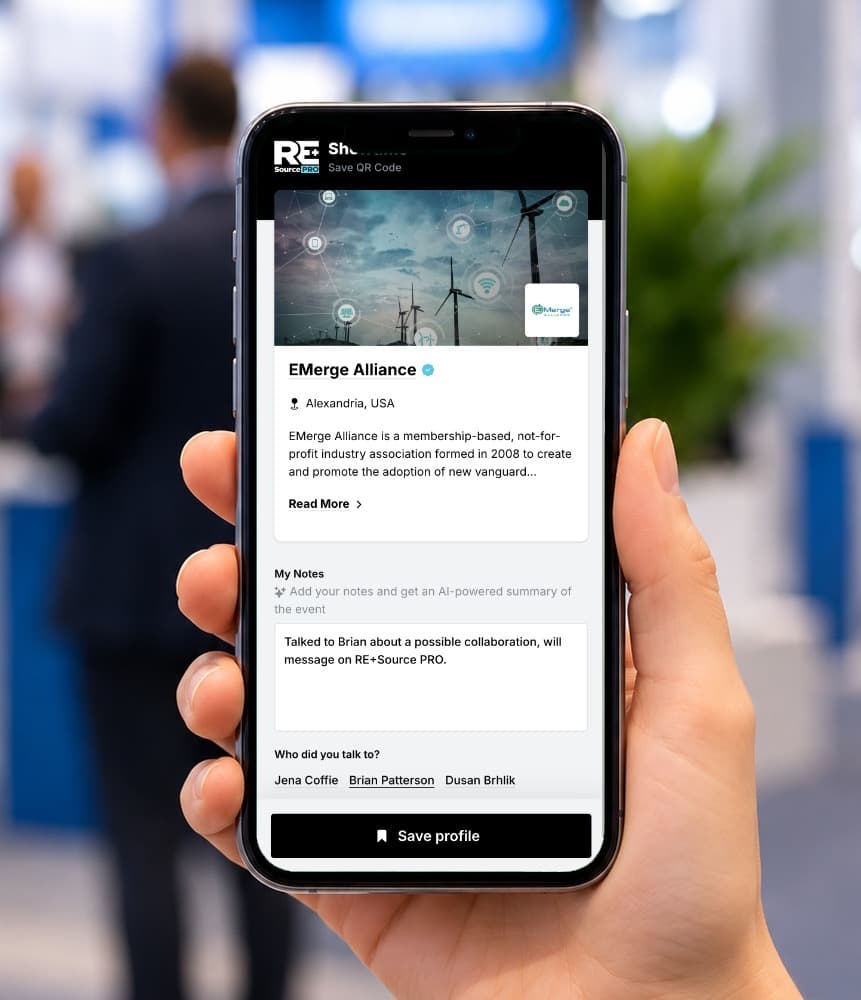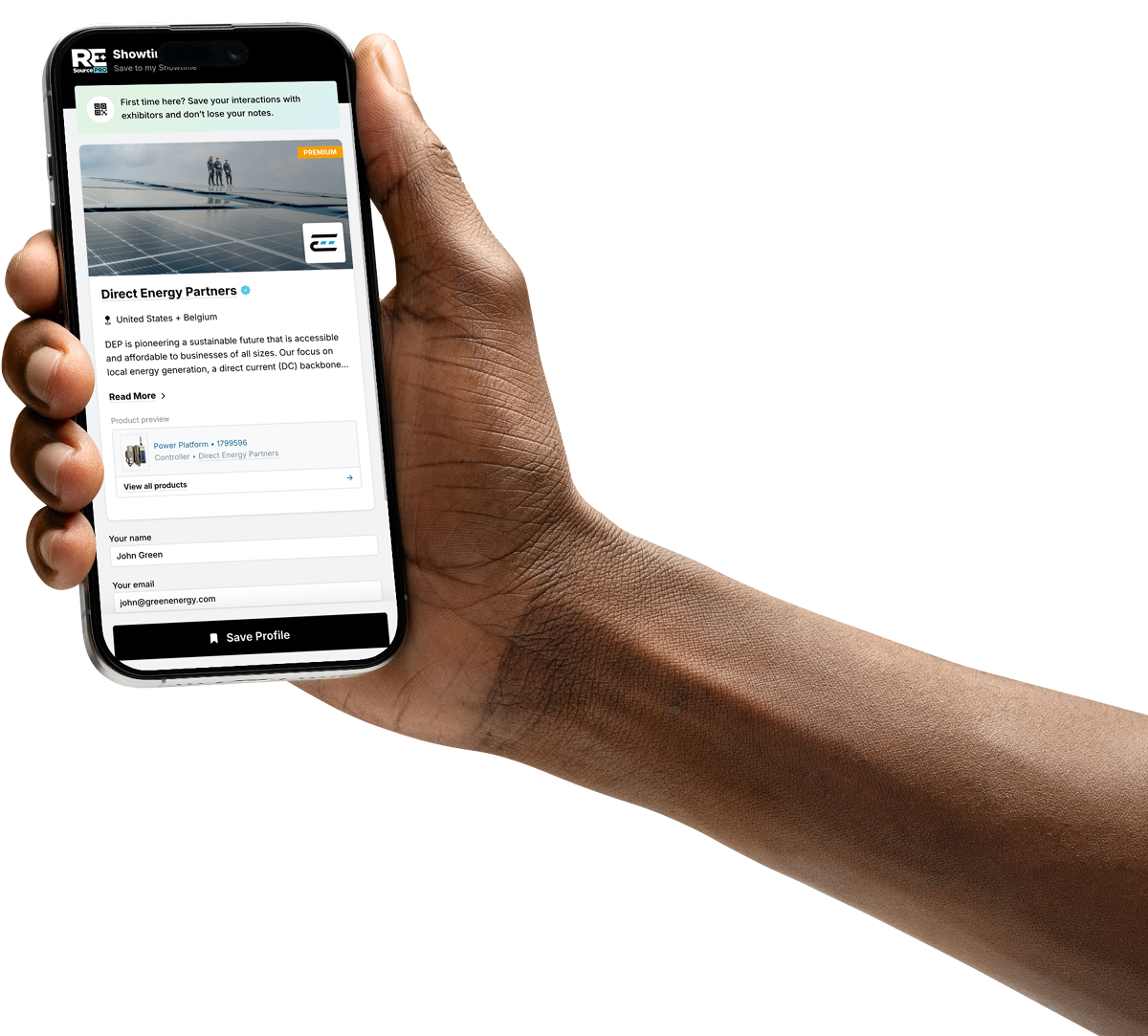
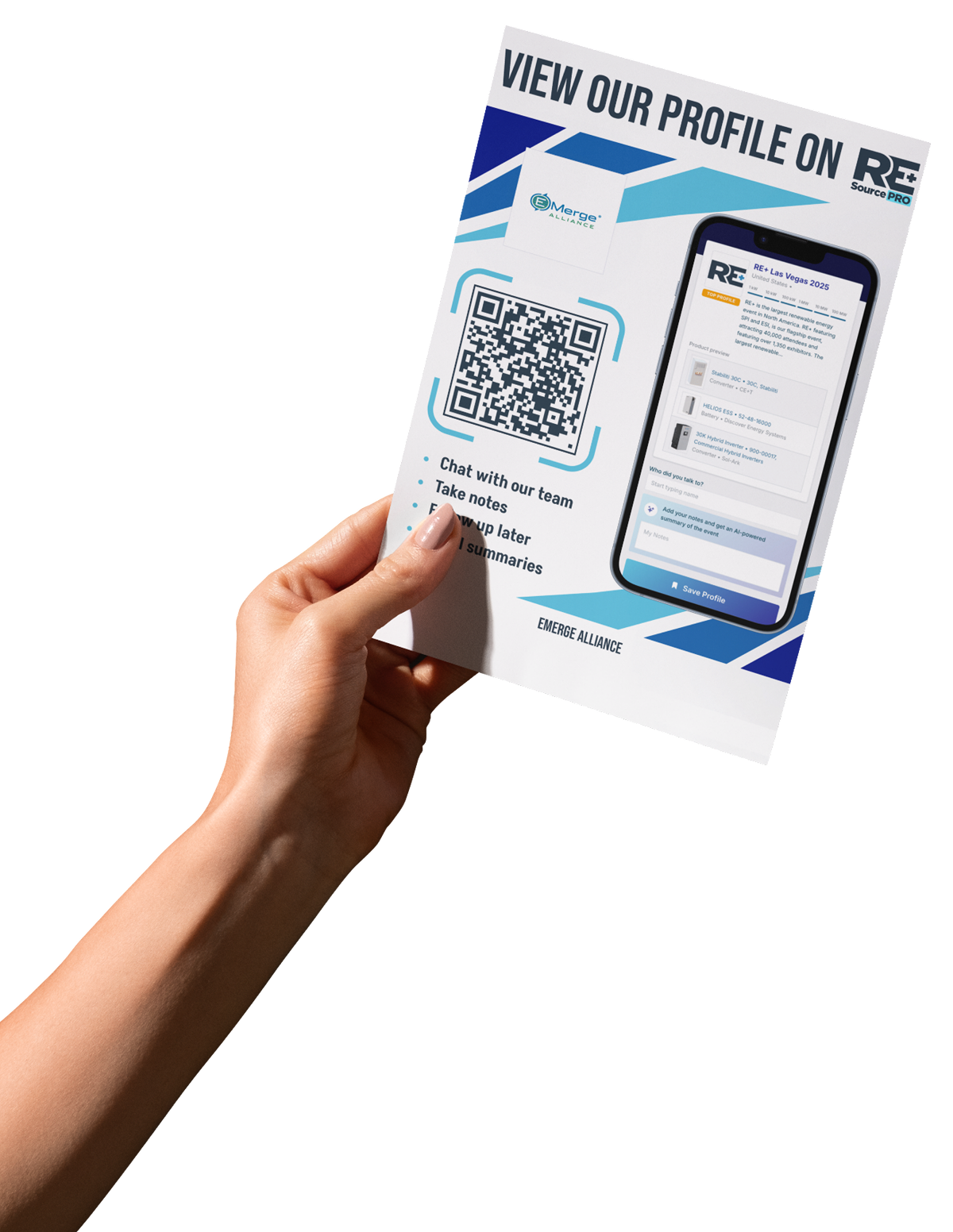
How a scan works at RE+
One QR code on the booth connects exhibitors and visitors.
1 · Exhibitor
The QR code is on the booth
On the counter, a poster, or the product itself.
2 · Attendee
Scan it with your phone
No app, no badge. The company profile opens right away.
3 · Attendee
Save, take notes, message
Keep the company, what you discussed, and a direct line to the team.
4 · Exhibitor
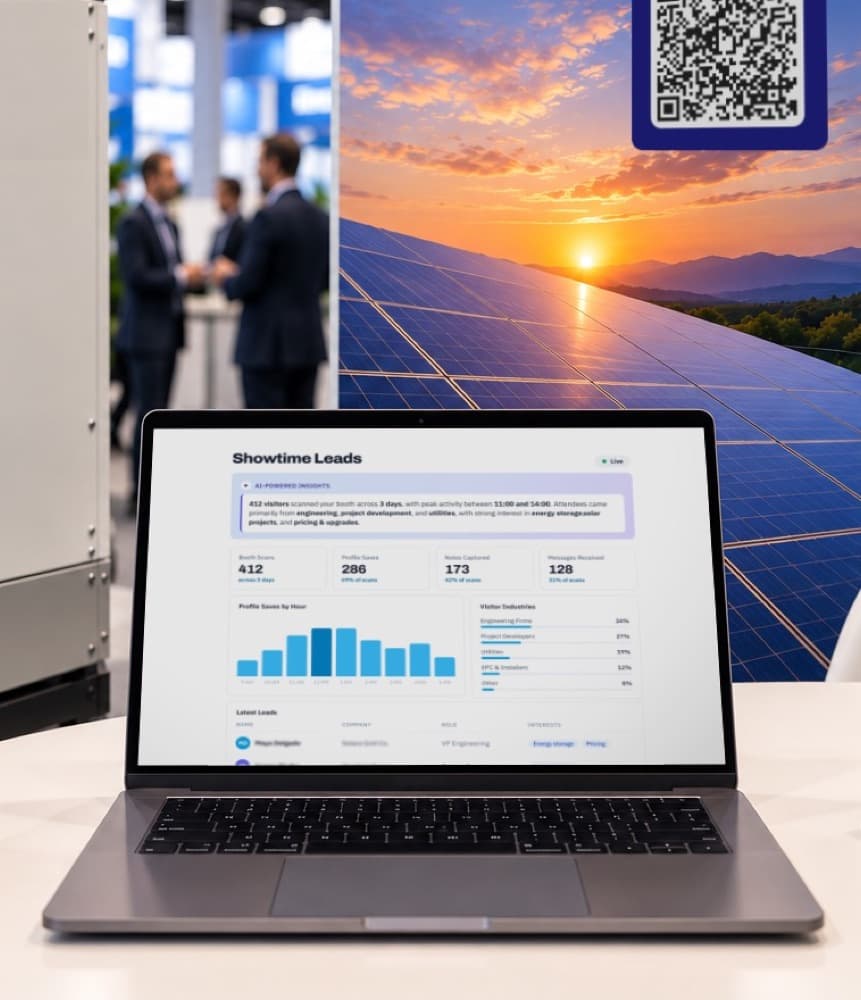
The lead lands in the dashboard
Scans, profile saves and messages show up in Showtime Leads.
For exhibitors
The show floor creates attention. The platform keeps it.
Every exhibitor already has a free company profile with its own QR code. Visitors scan it at your booth, and you see who was interested, during the show and all year.
Your QR code, ready to print
Poster, counter card and business card files from your profile. One code, every show.
Leads who chose you
Badge scans are people you caught. QR scans are people who chose you, and they keep coming after the show.
See who scanned
Every scan, save, note and message lands in Showtime Leads. Premium shows name, company, role and interests.
Talk to them directly
Visitors message your team from your profile, at the show and all year.
For visitors
Every booth you scan, saved in one place.
Free, and no app needed. Point your phone camera at the QR code on any booth.
Scan, no app needed
The company profile opens right away: products, datasheets, case studies and the team at the booth.
Save and take notes
Keep the company, what you discussed and who you talked to. Get an AI summary of the show.
Message the team
Ask about a product or follow up after the show, straight to the exhibitor's team.
Find products all year
Search by technical specification: voltage, power, type and more.